Starting a Roblox experience can feel intimidating when Studio opens with a blank project, but you do not need advanced coding skills to make a useful first game. The smartest beginning is small: choose one clear player action, build a short playable loop, and test it often. This guide walks through the practical path from idea to published experience, including planning, basic Studio work, simple scripting, playtesting, and safe publishing habits. You will also see how early creator choices can support future Robux opportunities without turning your first project into a complicated business. The goal is progress you can understand, improve, and repeat with confidence as your skills grow over time.
Start With a Tiny, Playable Idea
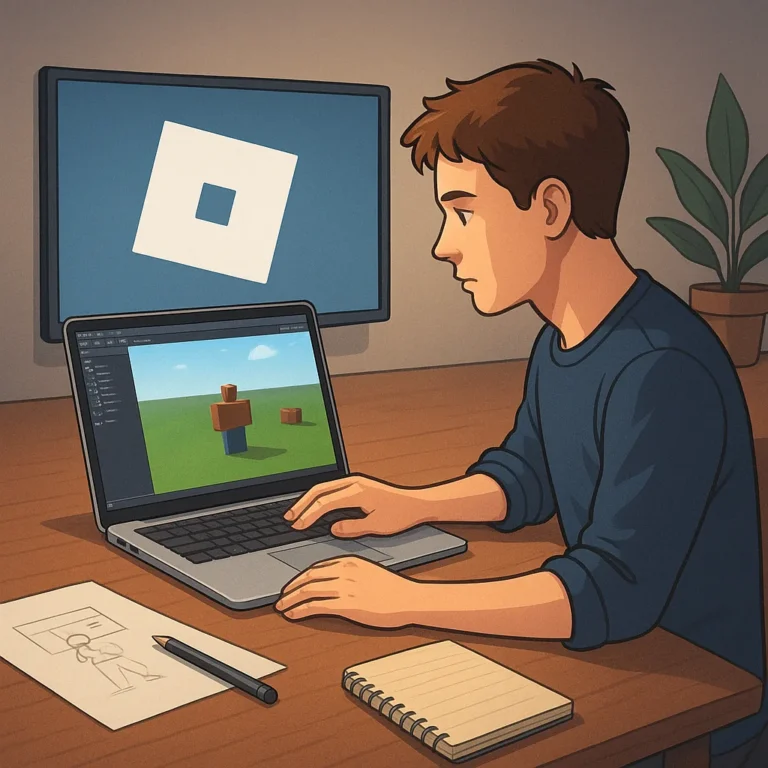
Before opening Studio, write the player promise in one sentence: “Players will do X to achieve Y.” A simple obstacle course, delivery game, or small survival challenge is easier to finish than a giant role-playing world. Sketch three moments: how the player starts, what they repeat, and what makes them want another round. Keep the first version focused on movement, feedback, and a clear goal. Choose assets that match the idea instead of filling the map with random objects. A finished five-minute experience teaches more than an ambitious project that never becomes playable. Save your ideas in a list, then build the priority first.
Set Up Roblox Studio and Your First Map
Install Roblox Studio from the official Creator Hub, sign in, and start with a template that matches your concept. Spend the first session learning the Explorer, Properties, and Toolbox panels rather than trying to master every button. Build a small play area with a spawn point, a few obstacles, and a visible destination. Name important objects clearly; “FinishDoor” is easier to find than “Part27.” Use anchored parts for anything that should stay still, and play the scene frequently while you work. If you use community assets, inspect their scripts before keeping them. Clean project organization now will make debugging and collaboration far easier later.
Add One Clear Game Loop
A first game loop should be understandable within seconds. Give players an action, a response, and a reason to continue. For example, they might collect five glowing tokens, reach a checkpoint, and unlock the next area. Use signs, color, sound, or simple interface text to explain what matters. Then add a small reward that confirms progress, such as a badge, score change, or a visual effect. Avoid stacking currencies, shops, quests, and timers before the core loop feels fun. If testers ask, “What do I do?” the problem is usually communication, not complexity. Make the path obvious, then add depth only after players can complete it.
Test With Real Players Before Publishing
Playtesting turns guesses into useful decisions. Test your experience after every meaningful change, first alone and then with someone who has not seen the map. Watch where players stop, get lost, fall repeatedly, or leave without finishing. Ask specific questions: Was the goal clear? Which moment felt slow? Did anything feel unfair? Do not defend every choice; patterns in player behavior are more valuable than compliments. Check the experience on different screen sizes and, when possible, with a mobile player. Fix broken spawns, confusing instructions, and frustrating difficulty before adding decoration. A short test log will show which improvements genuinely help.
Publish Responsibly and Plan Future Earnings
When the experience works, publish it through Roblox’s official tools and complete the basic settings carefully. Choose an accurate title, readable description, suitable age information, and a thumbnail that shows the actual gameplay. Never promise free Robux, hide surprises behind misleading buttons, or copy another creator’s work. Early earnings are not guaranteed, and monetization should support a good experience rather than pressure players. Learn the platform’s current rules before adding passes, developer products, or other features. Track feedback, release small updates, and keep backups of your project. This steady cycle—build, test, publish, improve—creates the foundation for responsible creator growth.
Where to continue your research safely
To keep researching, review Roblox Creator Hub Studio Setup Roblox Publishing Documentation and compare which option makes the most sense for your situation.
Key criteria to compare before you decide
A good decision depends on more than a first impression. Compare total cost, timing, reputation, effort required, and the clarity of the offer conditions. When those criteria are visible together, it becomes easier to tell whether an option solves the problem or only looks attractive at first.
How to use this guide for your next step
Review the criteria before moving forward
Learn how to plan, build, test, and publish a first Roblox experience calls for context, comparison, and patience. Use the points above as a practical checklist: revisit your goal, look for concrete signals, and move forward only when the choice fits your current needs.